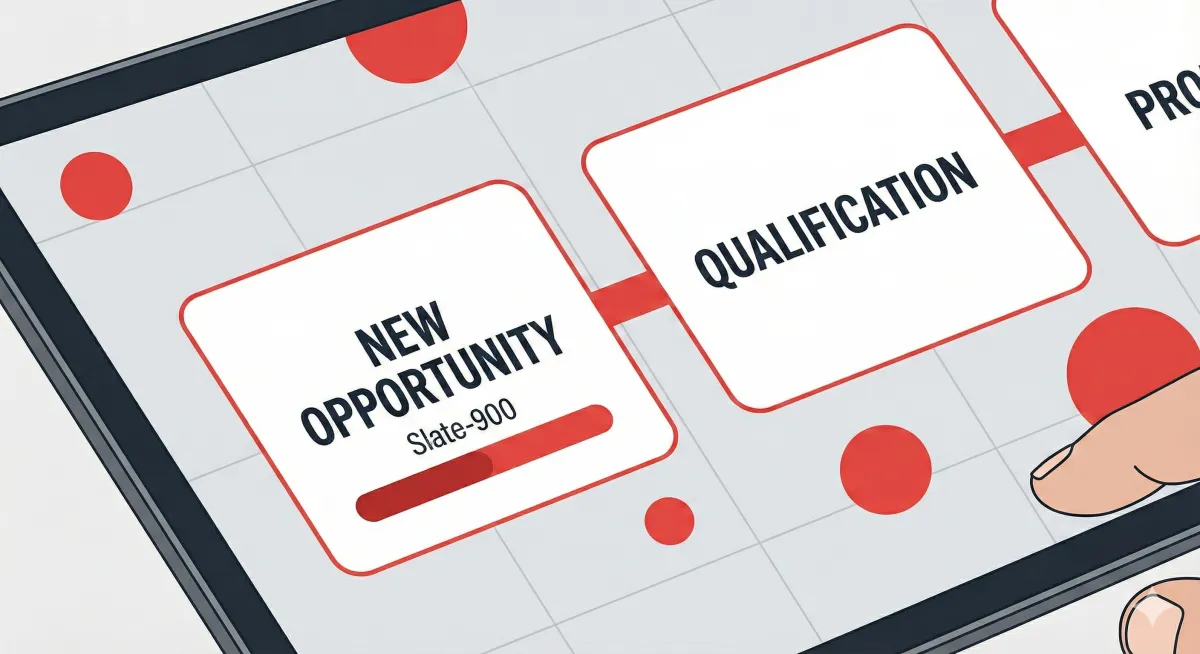
Booking Pipeline Guide
How to Track Studio & Event Bookings Clearly and Correctly
As a studio owner, your main goal is simple:
know exactly where every booking stands, what needs to happen next, and who is responsible.
To achieve this, the system uses two separate booking pipelines:
one for Studio Bookings
one for Event Bookings
They are separate on purpose, because studio sessions and event coverage follow very different real-world workflows.
This guide explains what each pipeline stage means and how to use them properly— without any technical complexity.
Studio Booking Pipeline
Studio bookings are designed to move quickly and efficiently.
They are used for studio space rentals or studio-based services that clients can self-book through a Service Calendar with configurable services and add-ons.
There are fewer steps, fewer approvals, and usually full payment upfront. Because of this, the studio pipeline is intentionally simplified to reduce friction while still keeping bookings clear and controlled.
How Studio Bookings Should Flow
A typical studio booking follows this path:
You receive a new lead, collect payment, confirm the booking, complete the session, deliver the outputs, then close the booking.
There is one important operational rule:
A booking should only be confirmed after payment has been verified.
📊 Studio Booking Pipeline Stages
How to Use the Studio Pipeline Correctly
Move a booking only when that step is truly completed
Do not mark a booking as Booked until payment has been verified
Once a booking reaches Booked, the time slot should be treated as locked
This pipeline is optimized for high-volume and same-day studio bookings
Event Booking Pipeline
Event bookings are more complex and higher value.
They usually involve contracts, deposits, longer lead times, and final payments after delivery. Because of this, the event pipeline includes legal, payment, and delivery milestones to protect both the studio and the client.
How Event Bookings Should Flow
An event booking typically follows this order:
You receive an inquiry, collect details, send a quote, send and sign the contract, collect a deposit to secure the date, complete the event, deliver the outputs, then collect the remaining balance.
📊 Event Booking Pipeline Stages
How to Use the Event Pipeline Correctly
Do not accept deposits before the contract is signed
The booking is considered secured only after the deposit is received
Delivery often happens before full payment, which is normal for events
Any booking sitting in Delivered clearly indicates pending final payment
This pipeline helps manage risk, cash flow, and client expectations
Important Guidelines for All Bookings
Pipelines show where the booking is right now
Custom fields store details such as package, price, and payment status
Discovery calls are handled through calendar bookings, not pipeline stages
Always keep the pipeline stage aligned with real-world progress
Summary
These pipelines are designed around how studios actually operate, not generic CRM theory.
When used consistently, they give you instant visibility into sales, operations, delivery, and payments — without adding complexity.

